TL;DR: Click Forgot Password on the Melio login page, enter your email, follow the reset link. No email? Check spam or contact help.melio.com.
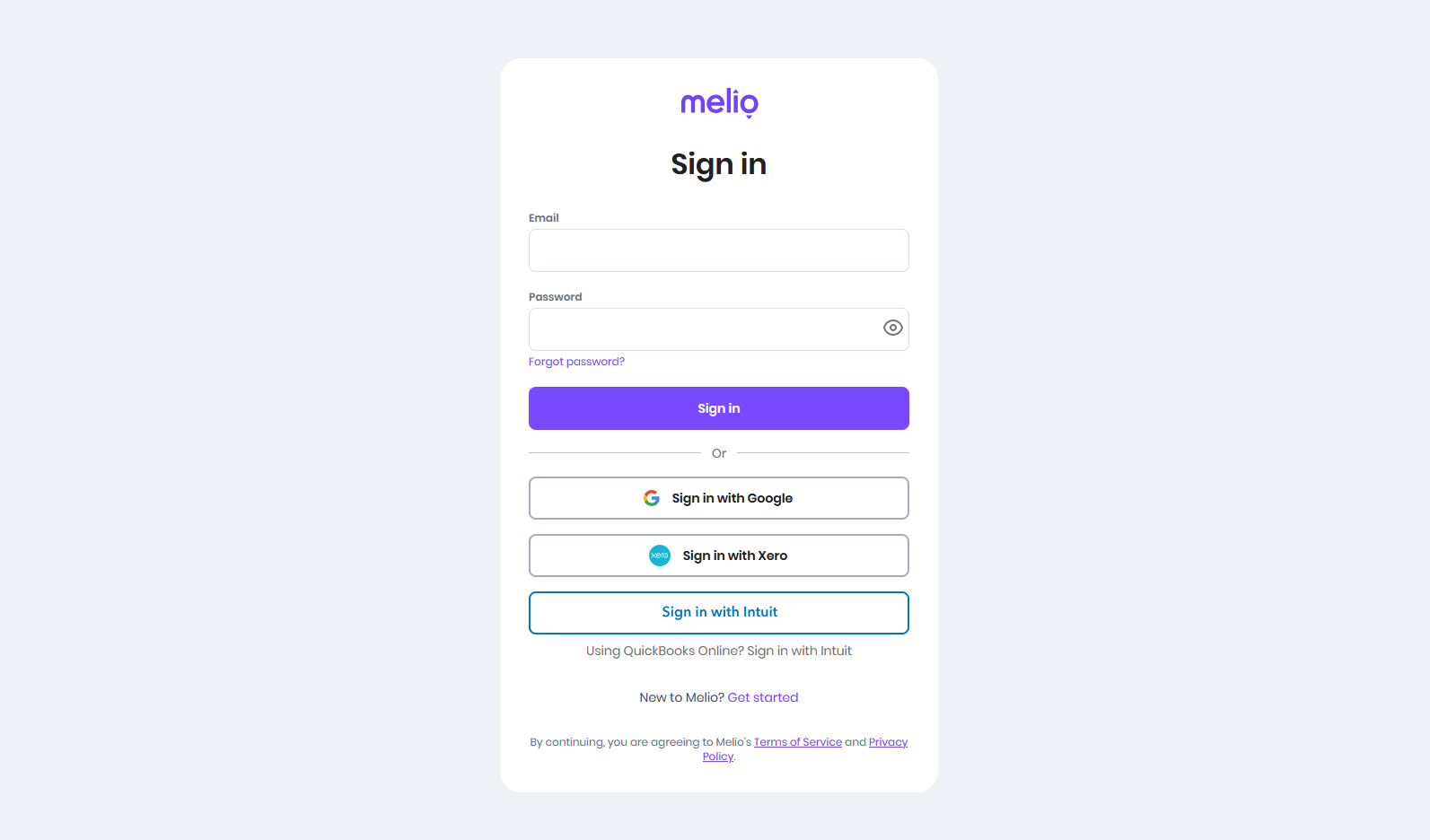
On the Melio sign in page, click Forgot Password? below the sign in button.
Enter the email address registered to your Melio account. Make sure it's the exact email you used when signing up.
Melio will send a password reset link to your email. Check your inbox and spam folder. The link expires after 24 hours.
Click the reset link and create a strong new password. Melio passwords are case-sensitive.
Return to app.meliopayments.com/login and sign in with your new password.