TL;DR: Melio is a free US business payment platform. Pay vendors by ACH, card or check. Send invoices. Sync with QuickBooks. Used by 100,000+ US businesses. Login to Melio →
Complete guide to Melio Payments • What it does • Who uses it • How it works
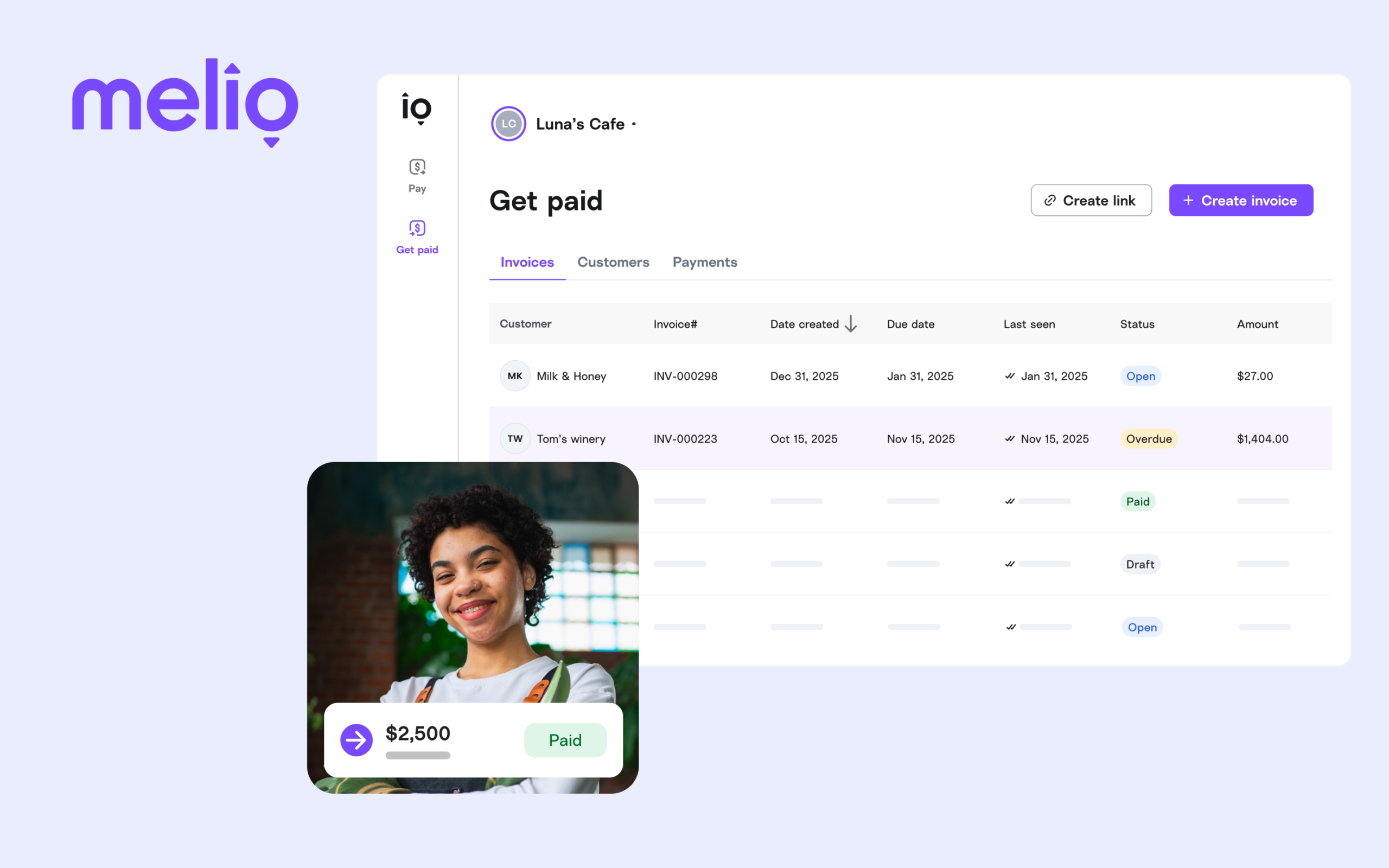
Melio (officially Melio Payments Inc.) is a business payment platform built specifically for US small and medium businesses. Founded in 2018 and headquartered in New York, Melio gives businesses a central dashboard to pay vendors, manage bills, send invoices and sync payment data with accounting software.
The core idea behind Melio is simple: pay your vendors the way you want, regardless of how they accept payment. If your landlord only takes checks but you want to pay by credit card to earn rewards — Melio handles the conversion. You pay by card, Melio mails a check to your landlord.
After Melio login, businesses can pay any vendor — suppliers, contractors, utilities, landlords, service providers — via ACH bank transfer, credit card or paper check. Vendors don't need a Melio account to receive payment. Melio supports payments to 80+ countries for international vendors.
Melio lets businesses create professional invoices and share payment links with customers. Customers pay by ACH or card directly through the payment link. Funds land in your bank account. The entire AR process is managed from the same Melio dashboard as your outgoing payments.
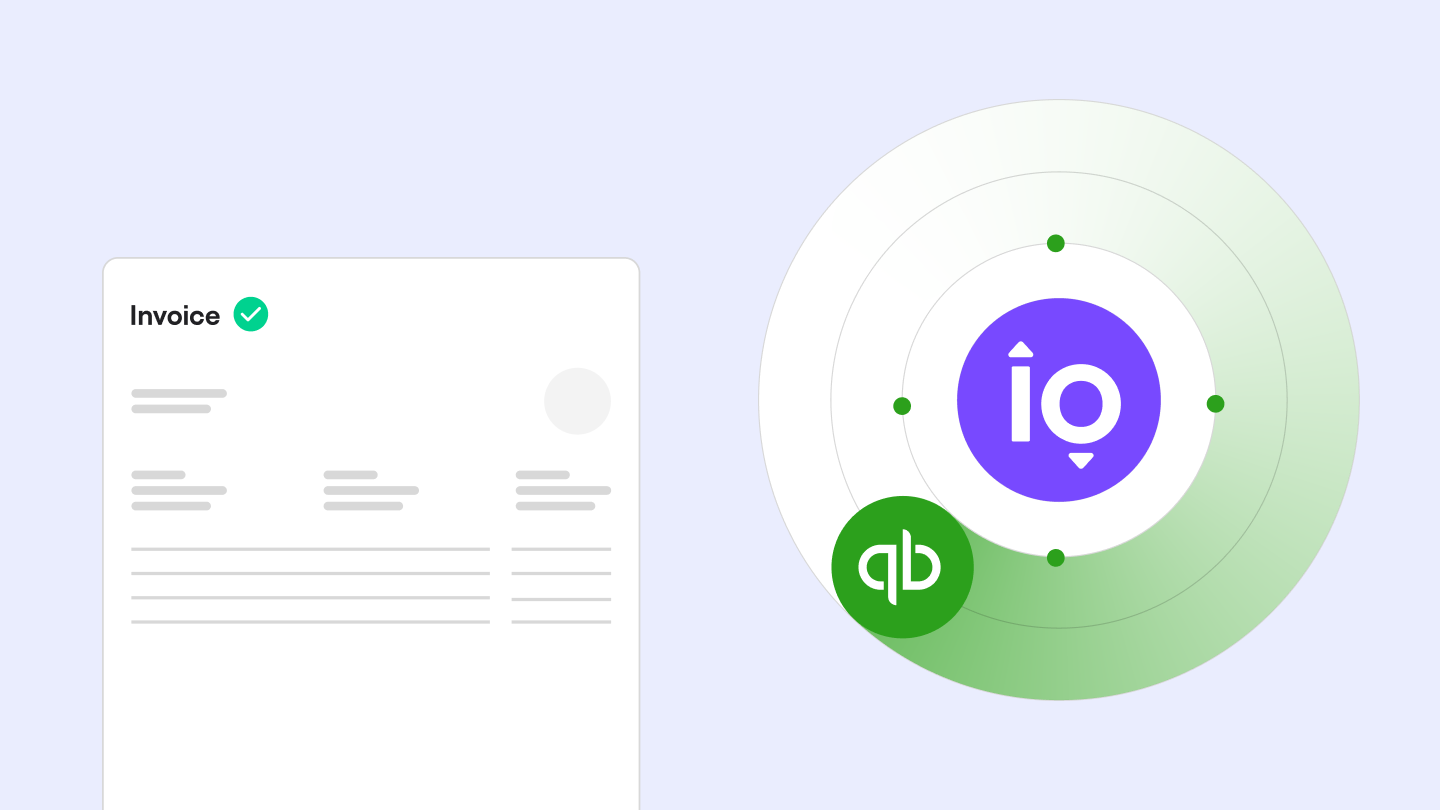
Melio integrates with QuickBooks Online, QuickBooks Desktop and Xero via two-way automatic sync. Bills, payments and vendor data update in both platforms in real time, eliminating manual data entry and double bookkeeping.
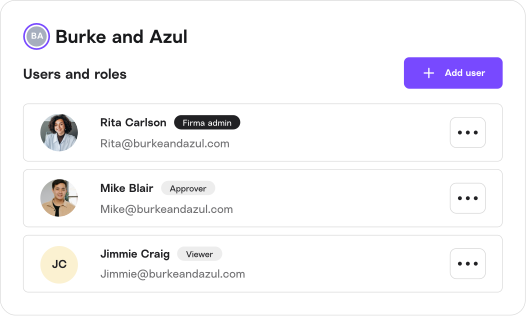
Businesses can set up multi-step payment approval flows, assign roles to team members (Admin, Approver, Payer, Viewer) and maintain financial controls without bottlenecks. Approvers get notified and can approve payments from the app.
Yes. Melio Payments is a legitimate, well-funded US fintech company. Key facts:
Melio's Go plan is completely free. ACH payments are free. Check payments are free. Credit card payments have a 2.9% fee. There are no monthly subscription fees on the Go plan. Paid plans (Core, Boost, Unlimited) add advanced features for businesses that need them.
Over 100,000 US businesses use Melio to pay vendors and get paid. No monthly fee.
Sign In to Melio → Create Free Account